Your photo.
Your next creation.
Turn an image into a crochet, cross-stitch or bead pattern. Try the website, then discover the app to follow your projects.
Try in your browser · App available on Android
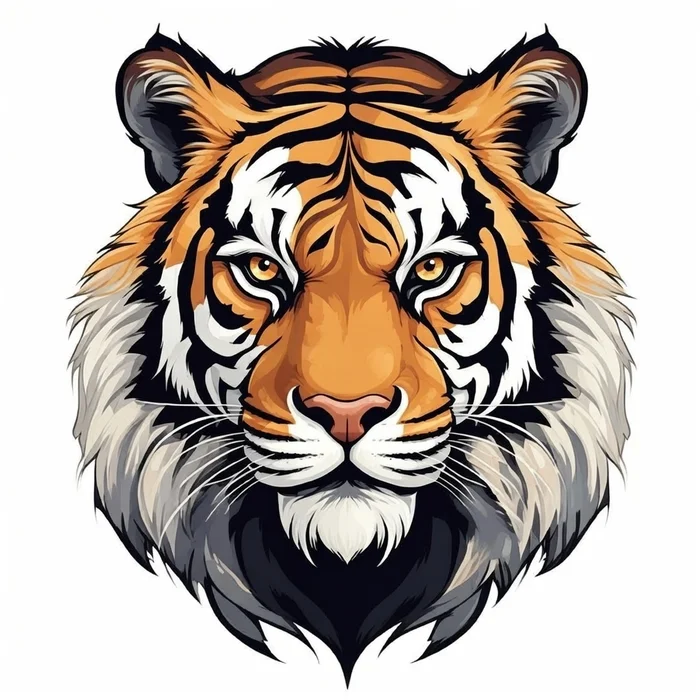
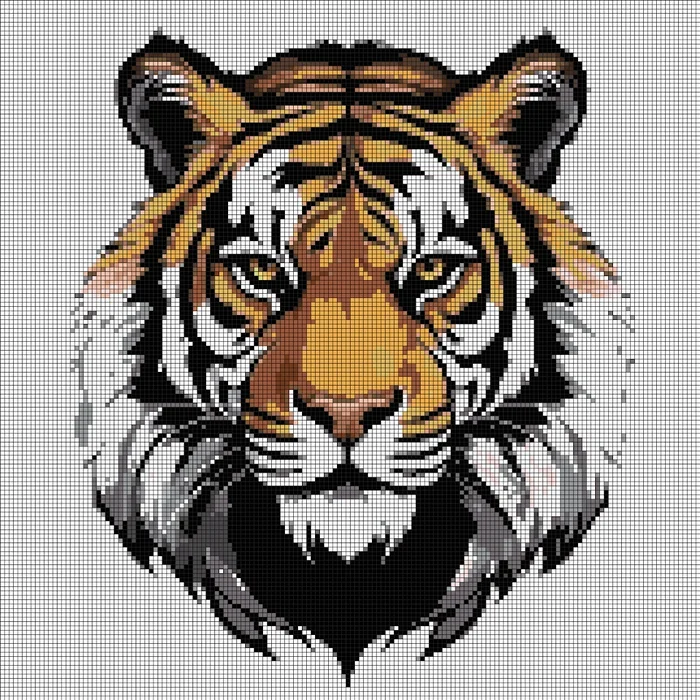
Example transformation · Results depend on your image and settings.
From an idea to your first cells.
- 01
Choose your image
A photo, a drawing or a design you love.
- 02
Shape your pattern
Adjust the crop, colours and detail in the web tool.
- 03
Start making
For your next creations, the app also helps you track your progress.
What would you like to make?
Choose your craft and prepare a pattern that suits your materials.
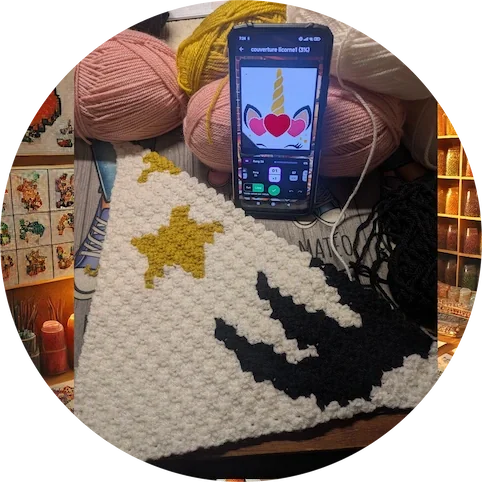 Example crochet piece
Crochet & C2C
Work diagonally for C2C, or row by row for block stitch.
Example pixelated patternCross-stitch
Prepare a personal pattern and keep track of the areas you have completed.
 Source image for a design
Fuse beads
Adapt your design to your boards and the colours of your beads.
An idea on screen.
A piece that is yours.
The right pattern is one you will enjoy making. Choose your craft for a suitable workflow and practical tips.
Find my starting point →Your pattern today.
Your projects tomorrow.
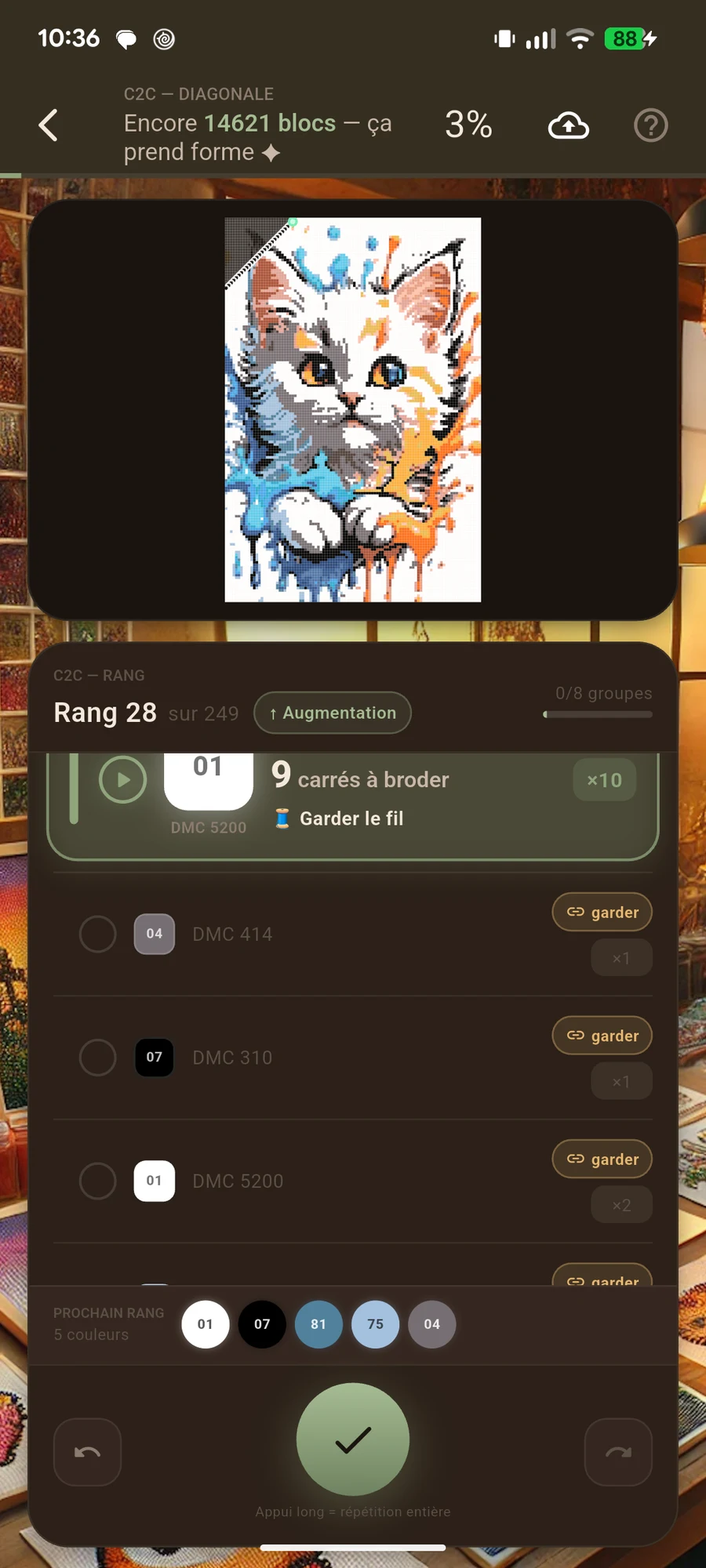
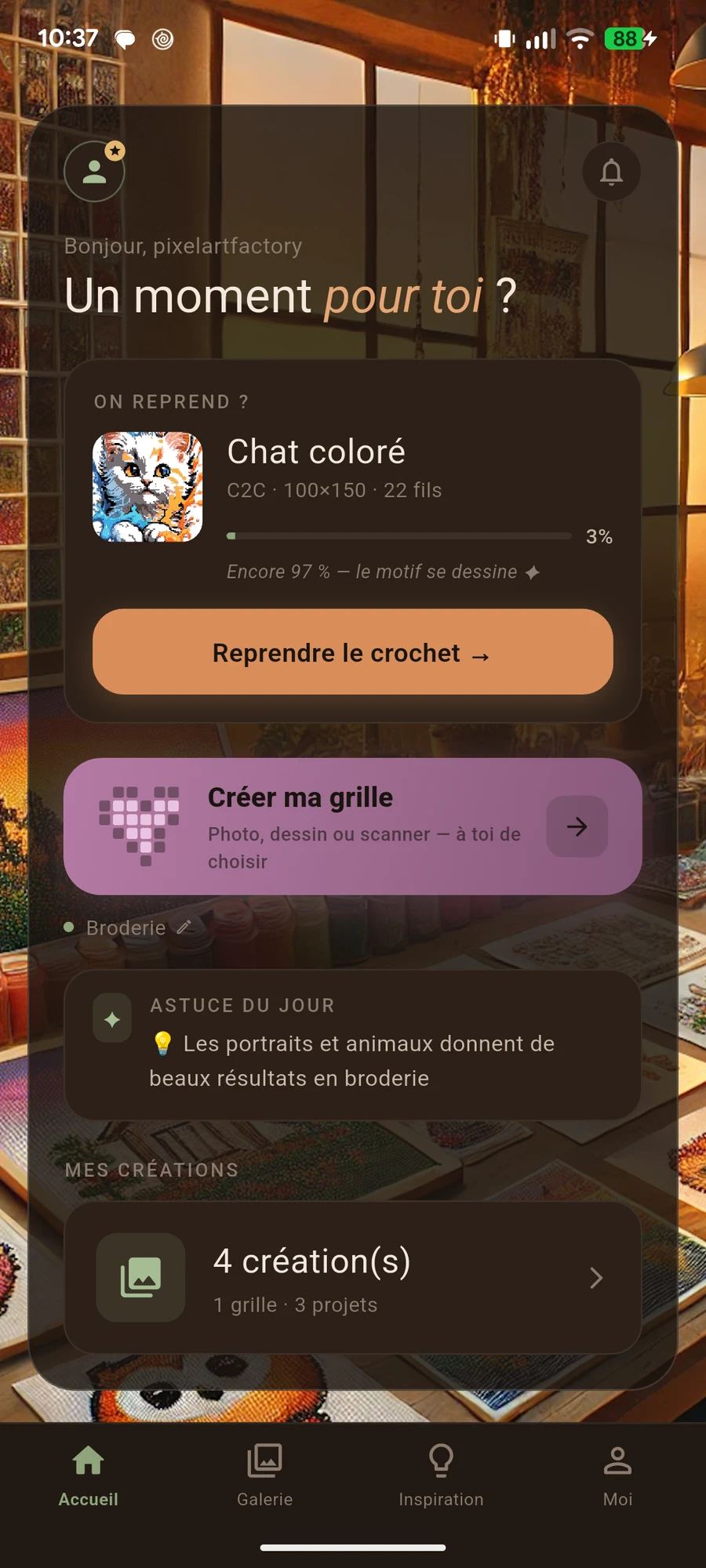
The website lets you prepare a pattern. The Android app also helps you make it, and keep creating with your next ideas.
- Keep your placeMark your progress in the mode suited to your craft.
- Take a breakFind your project and pick up where you left off.
- Make something newPrepare your next patterns directly in the app.
Android · In-app purchases · Some features require premium access.
On iPhone or a computer? Create a pattern in your browser.
Before you start.
Do I need to install the app to try it?
You can start on the website. Open the web tool, import an image and prepare your pattern in your browser.
What does the app add for my next projects?
Alongside pattern creation, it offers craft-specific tracking modes, progress marking and project resumption. Some features require premium access.
Can I use PixelArt Factory on iPhone?
The app is available on Android. On iPhone, use the web tool in your browser.
Does the app include purchases?
Yes, the app includes in-app purchases and premium features. Review the included features, price and terms in the app before purchasing.
What will your
first creation be?
Try it with an image you love.