Your image.
Your first pattern.
Import a photo or drawing, choose your crop and adjust your pattern. The tool runs in your browser, on mobile or a computer.
In your browser · No installation needed to start
Go from image
to your design.
Import your image, customise the result and finish your pattern in the editor. Open the tool to prepare your design on a larger screen.
Open the pixelation toolOpen the studio to import your image and start your pattern.
Import and frame
Choose an image and isolate the subject you want to transform.
Adjust the result
Adjust pixelation, colours, contrast and saturation.
Edit and export
Refine details in the editor and explore export options.
A little clarity.
Does the web tool replace the app?
The web tool lets you prepare patterns on a larger screen. The Android app also offers workflows for making pieces and tracking projects.
How do I make a clearer pattern?
Start with a simple subject, frame it and compare several detail levels. Adjust colours gradually, then correct small elements in the editor.
Your pattern today.
Your projects tomorrow.
The website lets you prepare a pattern. The Android app also helps you make it, and keep creating with your next ideas.
- Keep your placeMark your progress in the mode suited to your craft.
- Take a breakFind your project and pick up where you left off.
- Make something newPrepare your next patterns directly in the app.
Android · In-app purchases · Some features require premium access.
On iPhone or a computer? Create a pattern in your browser.
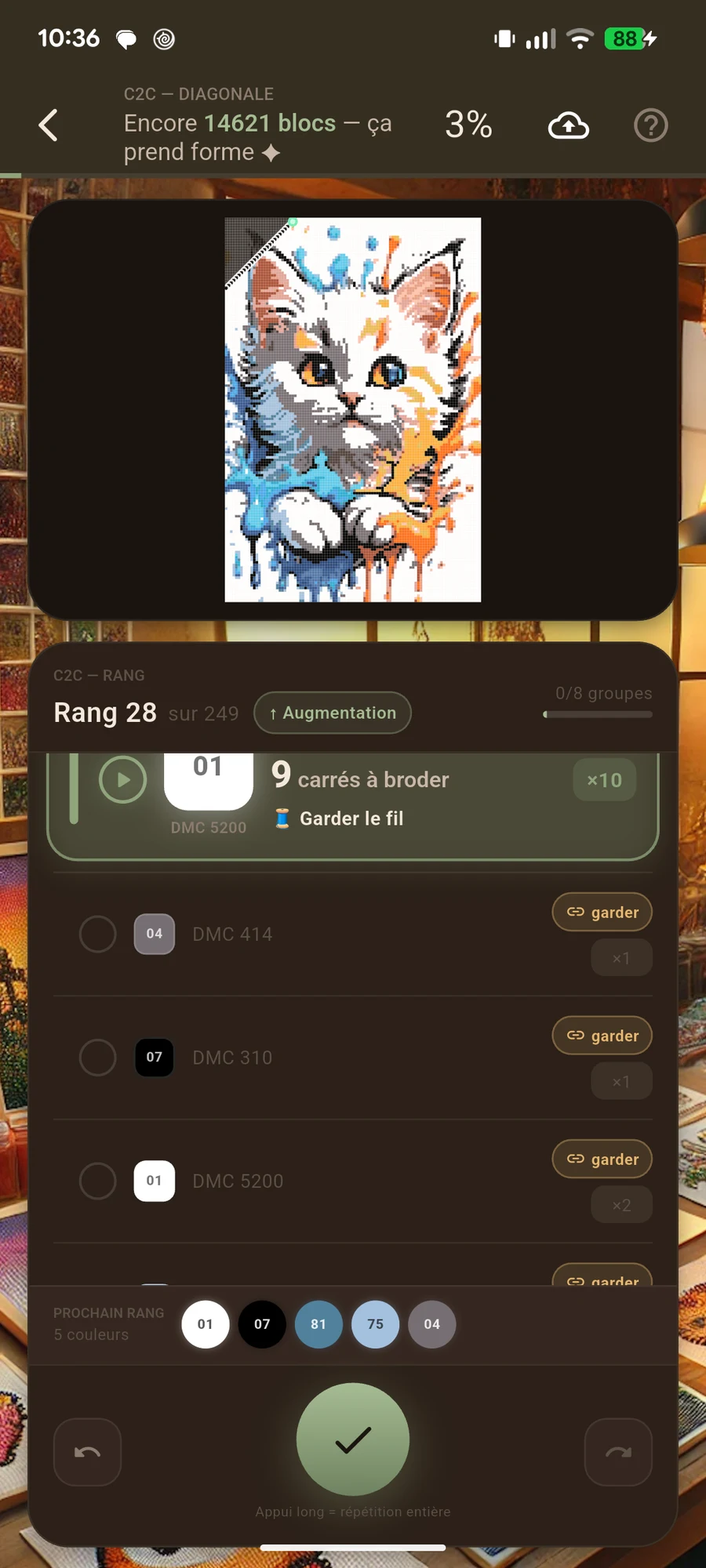
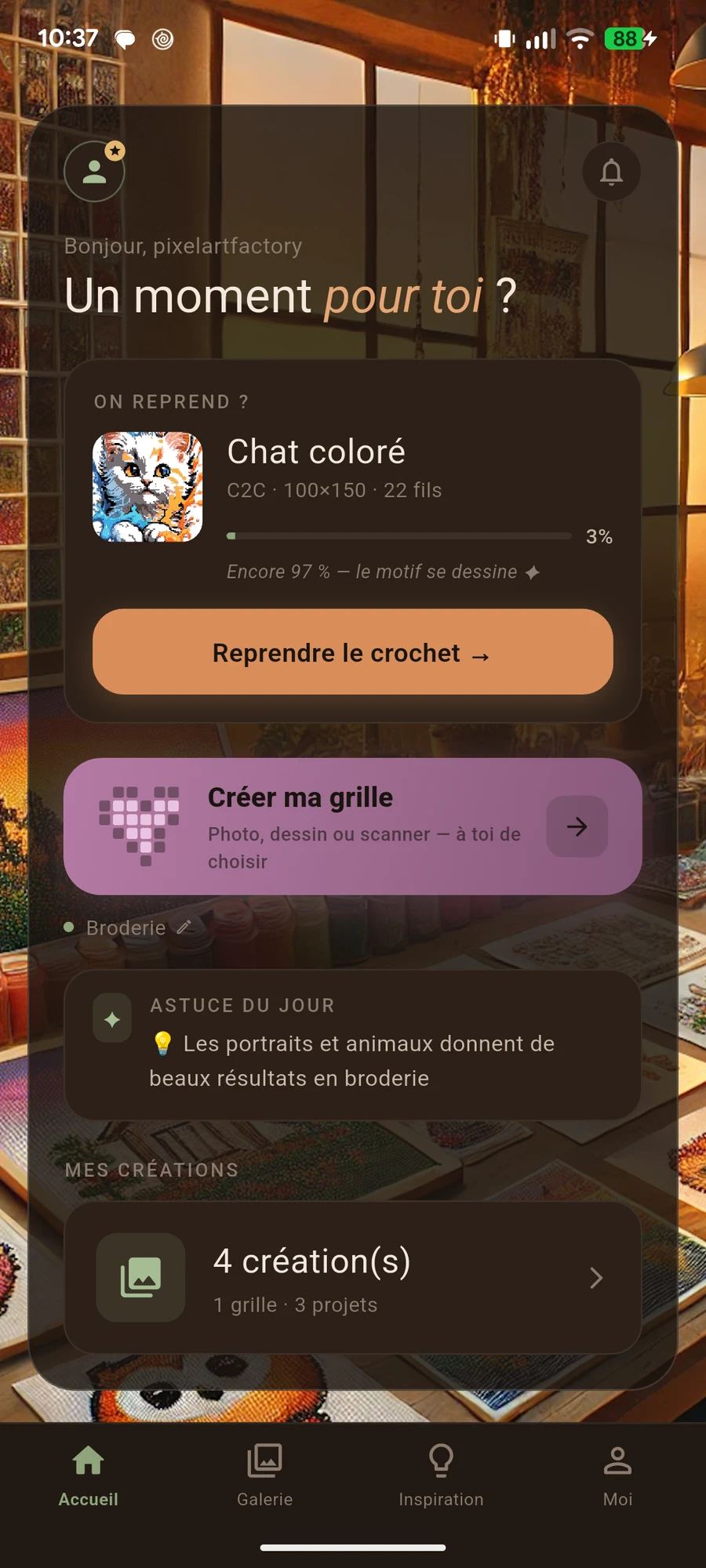
Your image.
Your next creation.
Prepare your pattern and enjoy making something at your own pace.
Android app · In-app purchases · Some features require premium access.