Your own patterns
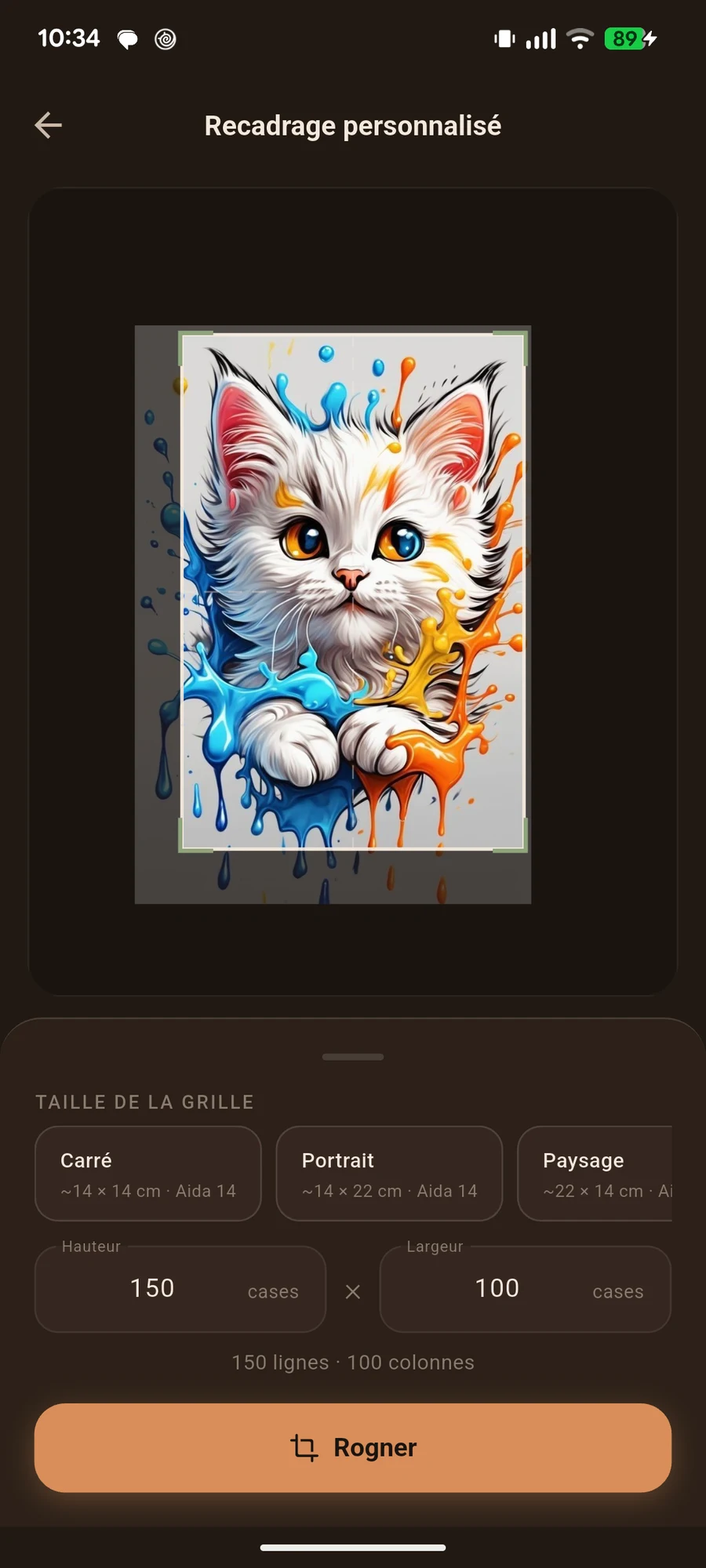
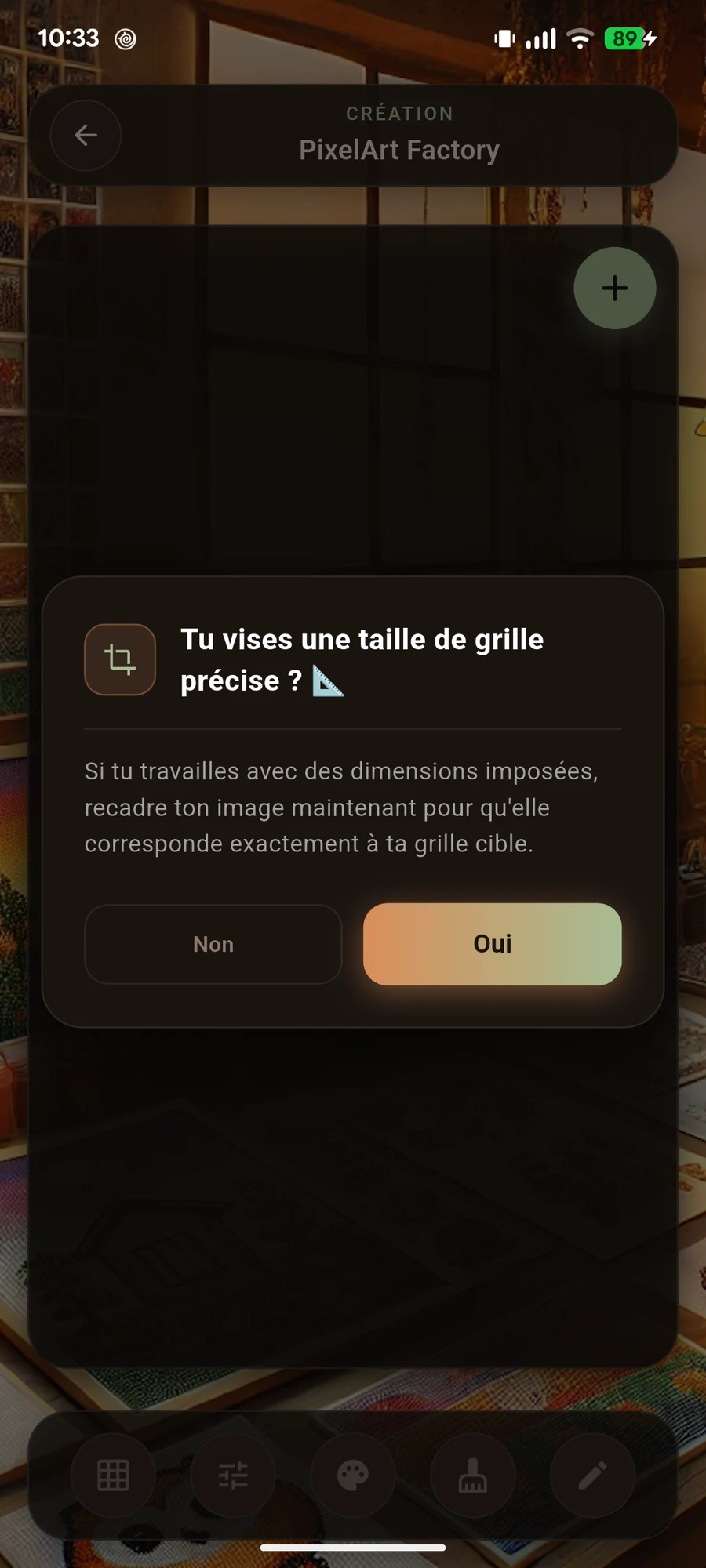
Photos, drawings, colours: prepare a pattern that feels like you.
Your patterns and progress, together. Create a design, follow your work and find your place after every break.
Android · In-app purchases · Some features require premium access.
Photos, drawings, colours: prepare a pattern that feels like you.
Follow cells in the mode suited to crochet, cross-stitch or beads.
Find your project without wondering where you stopped.
Open a topic to see its screens and features.
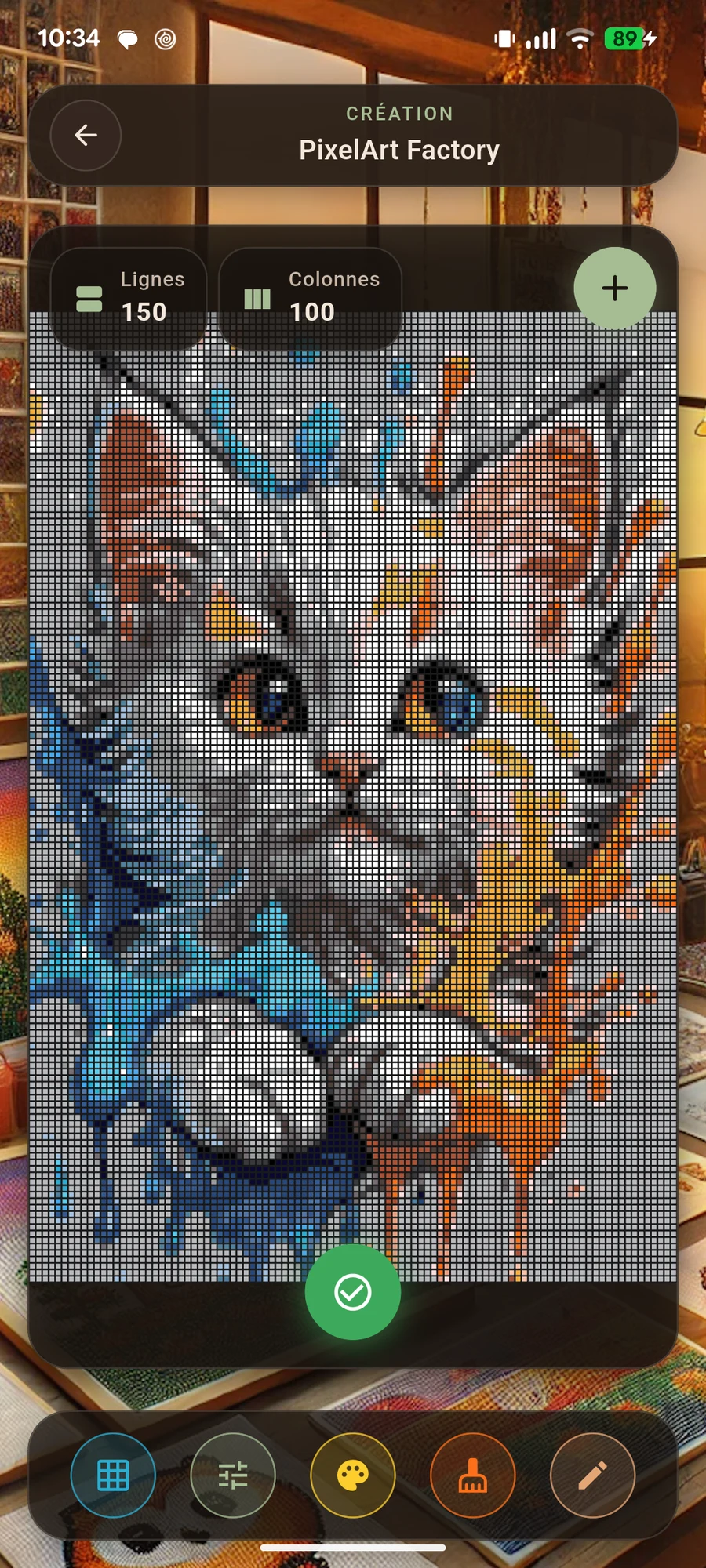
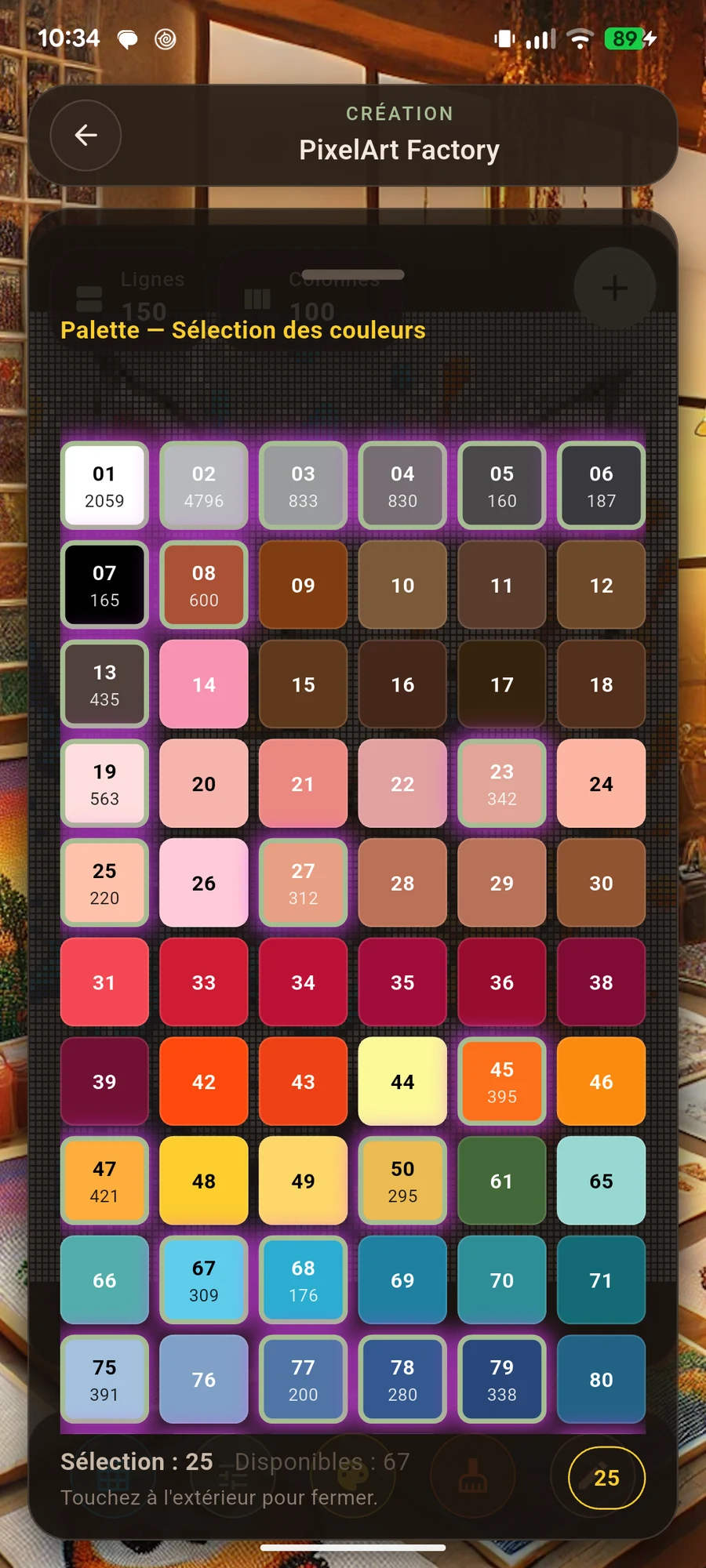
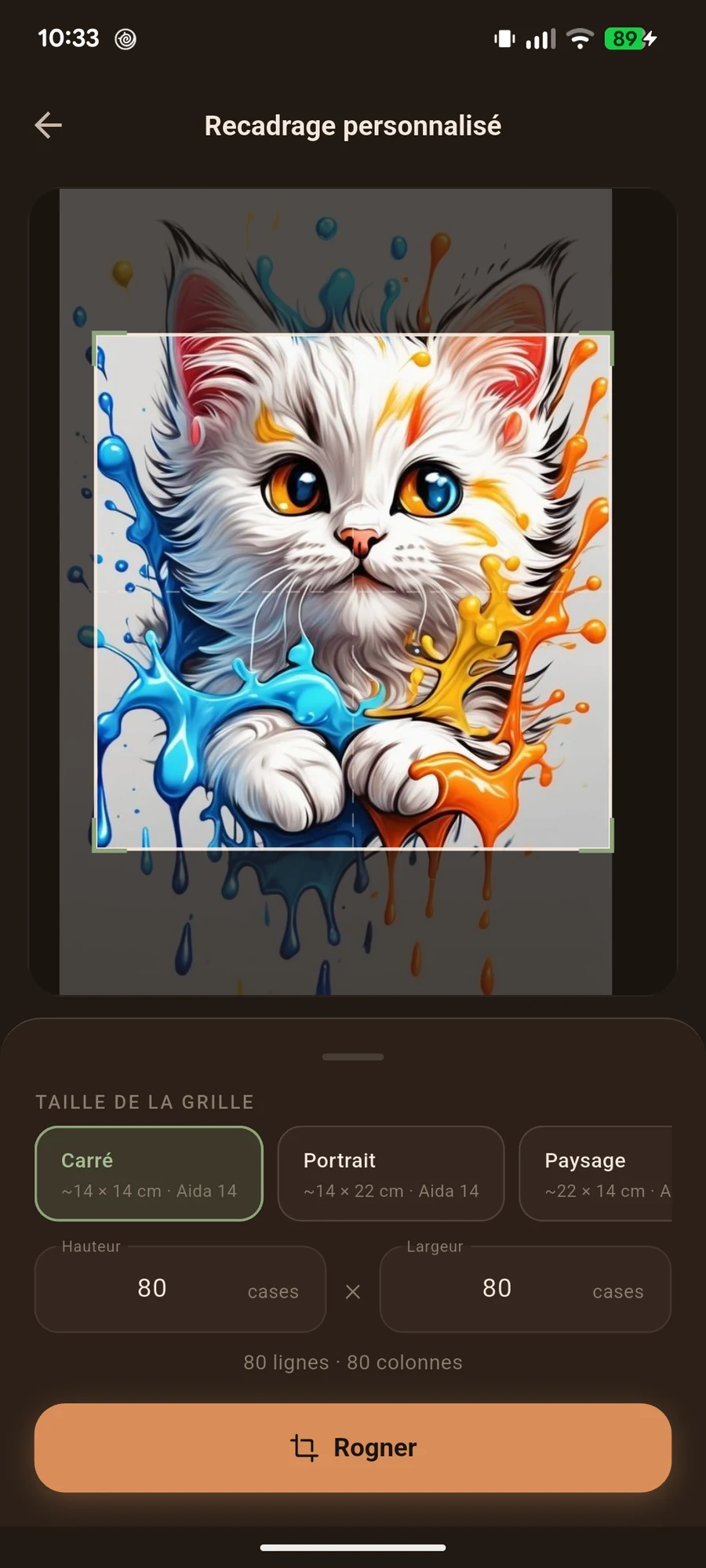
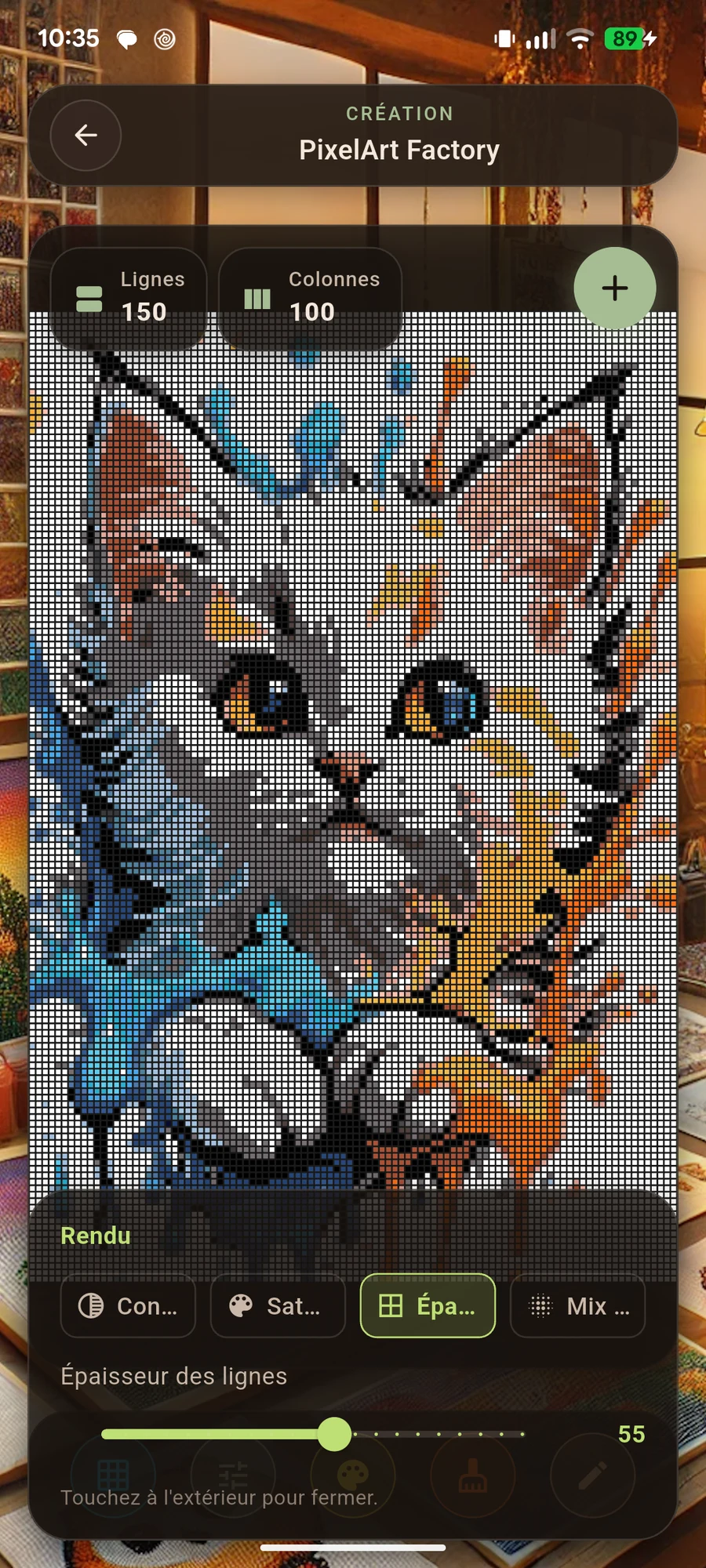
Import a photo or drawing, then adjust pixelation, contrast, saturation and colours. Look at the overall design before choosing your pattern.
Correct a small area, simplify a detail or personalise an element in the editor. This helps you prepare a clearer pattern for making your piece.
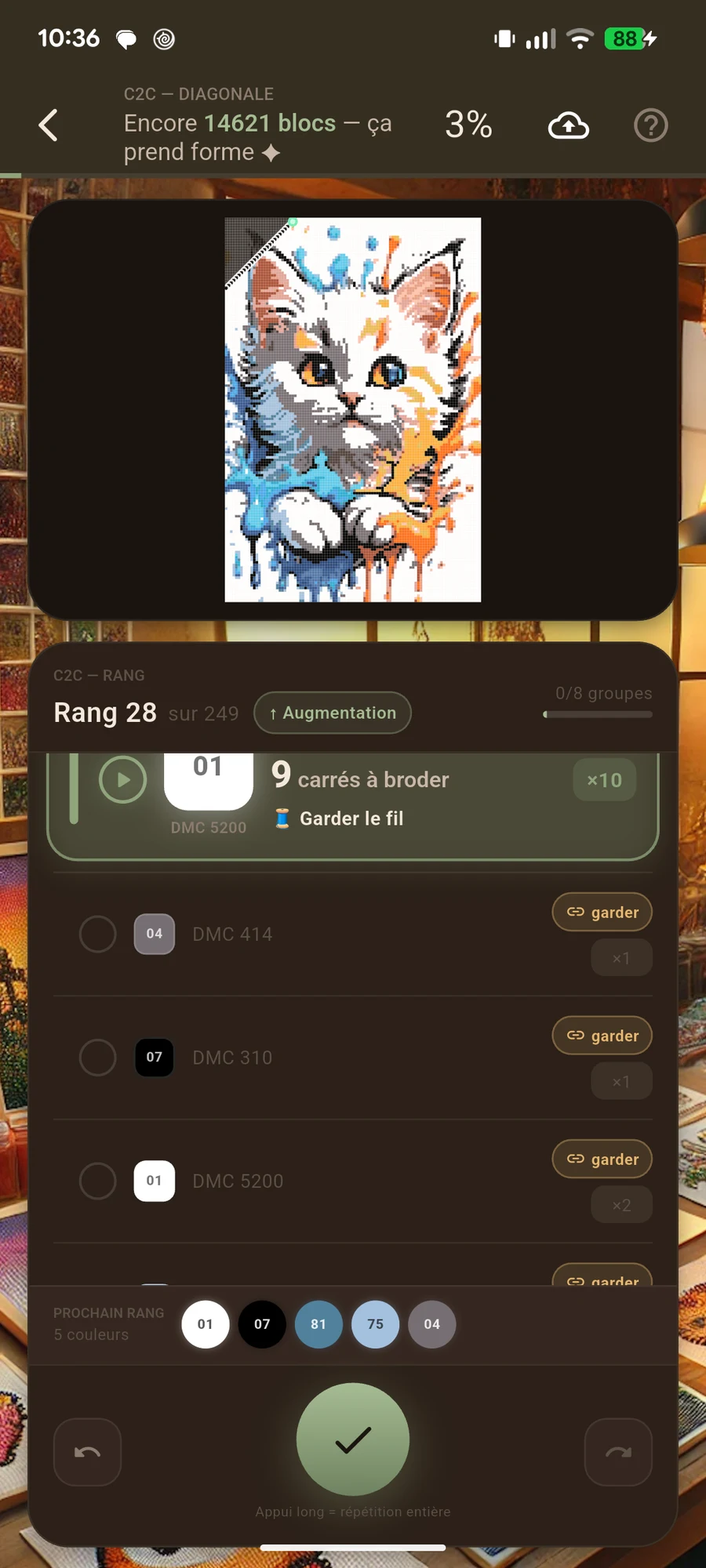
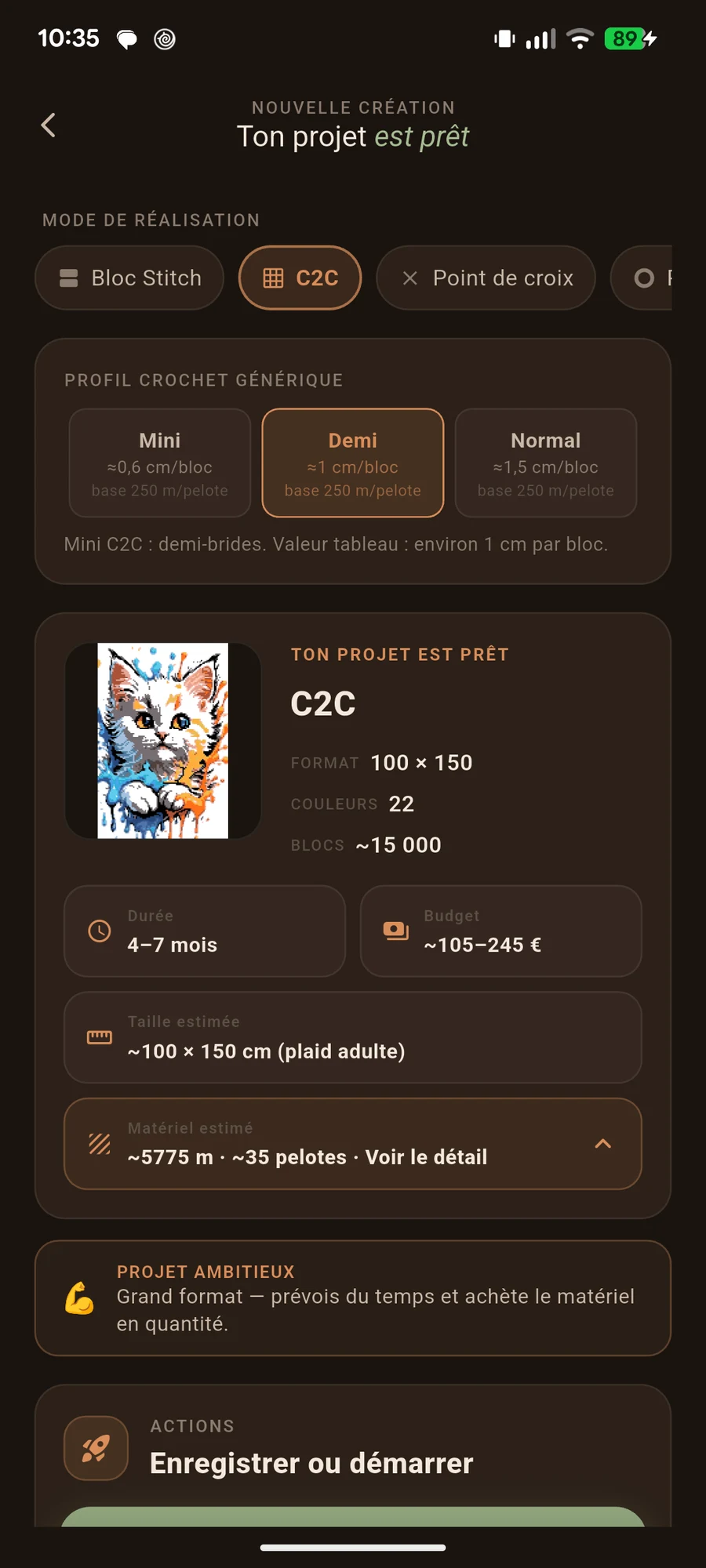
Use the reading mode suited to your craft and mark completed squares. Follow diagonals for C2C, or keep track of rows for block stitch.
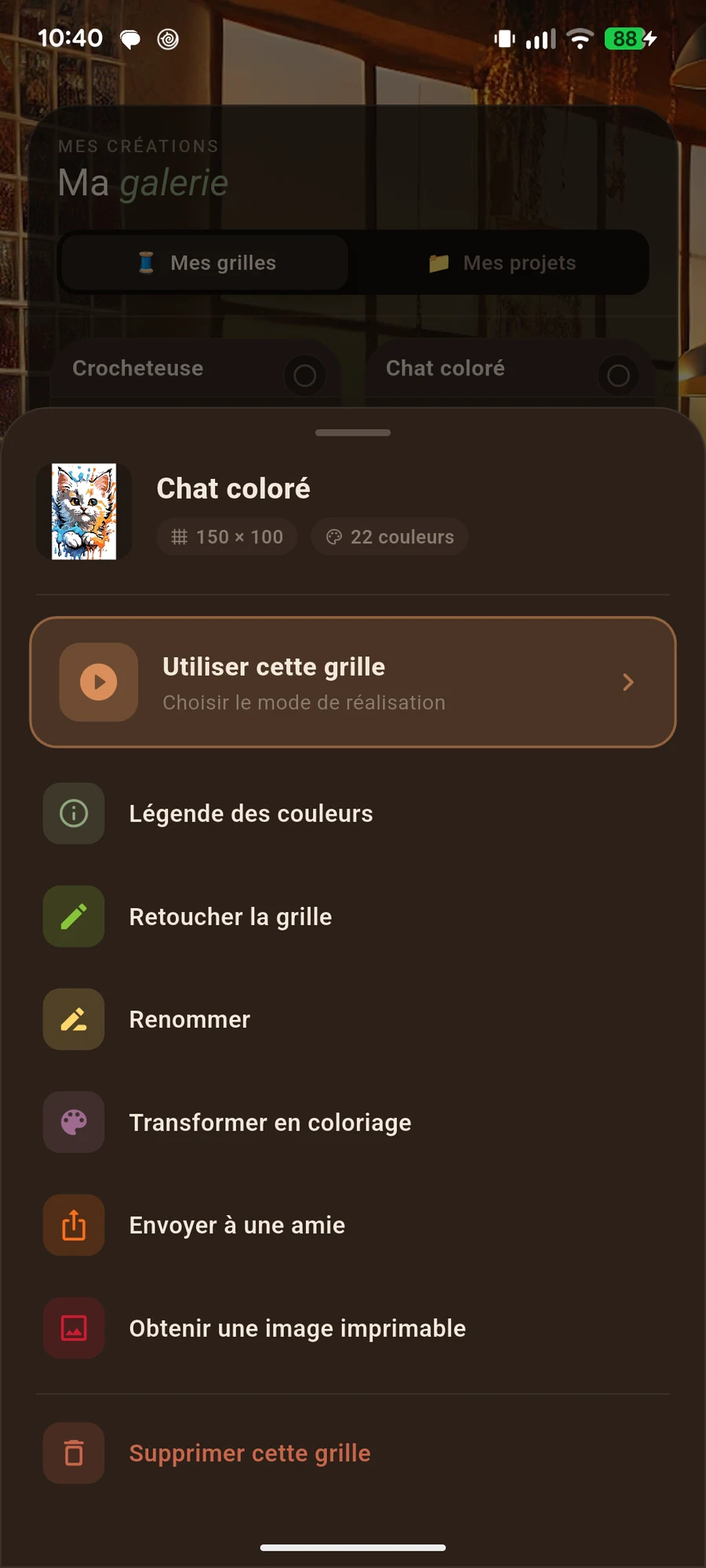
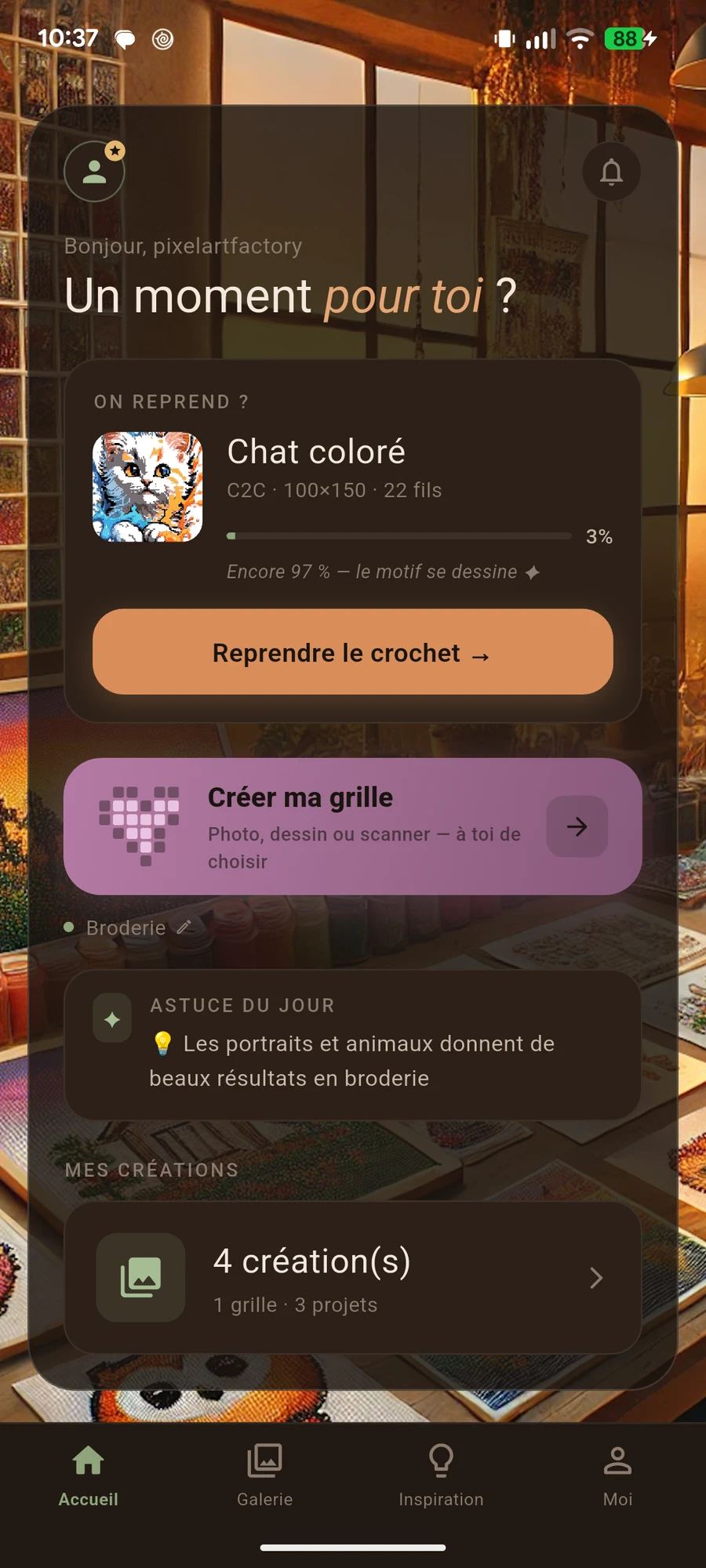
The gallery separates the original pattern from the project you are making. The home screen’s resume card takes you back to the most recently used project.
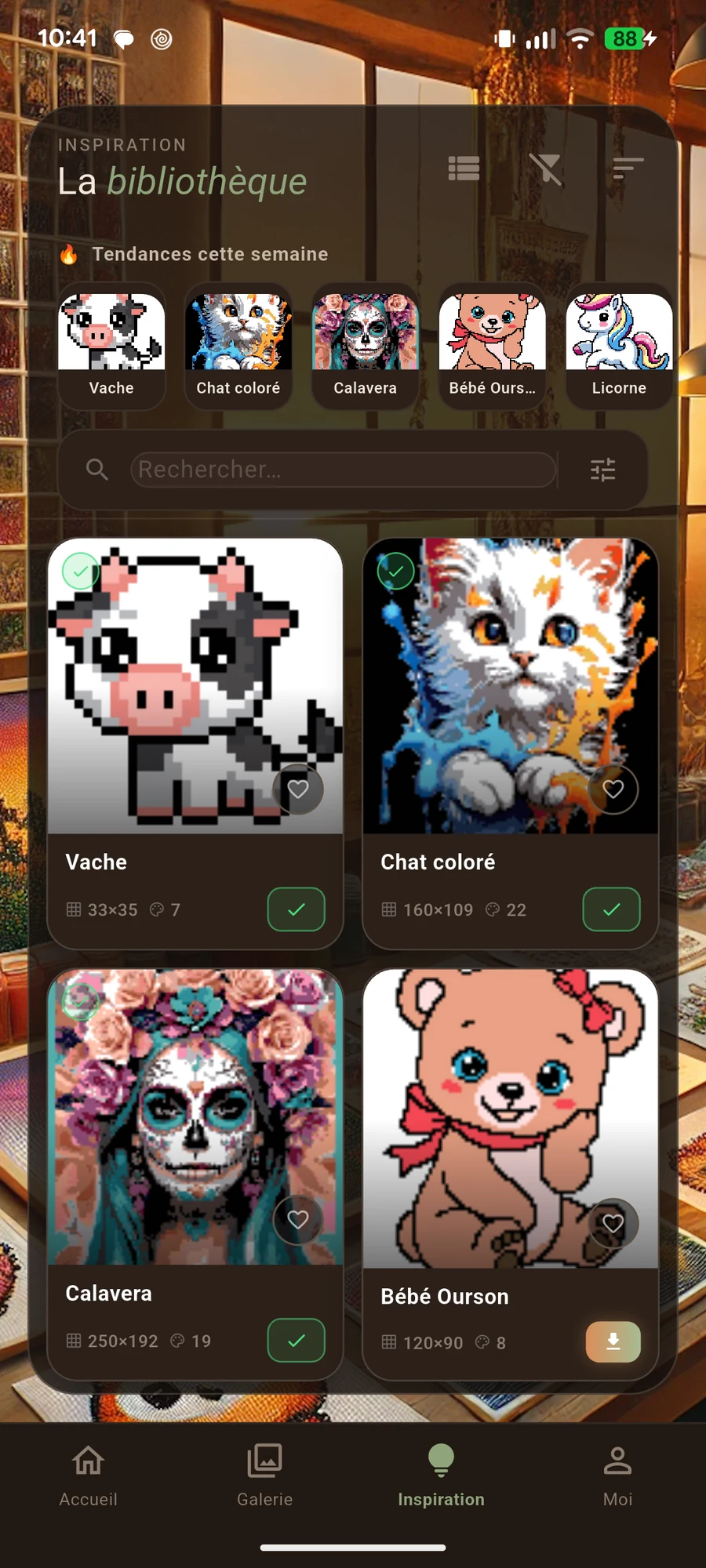
Explore the pattern library and backup options included with your access. Some features require premium access.
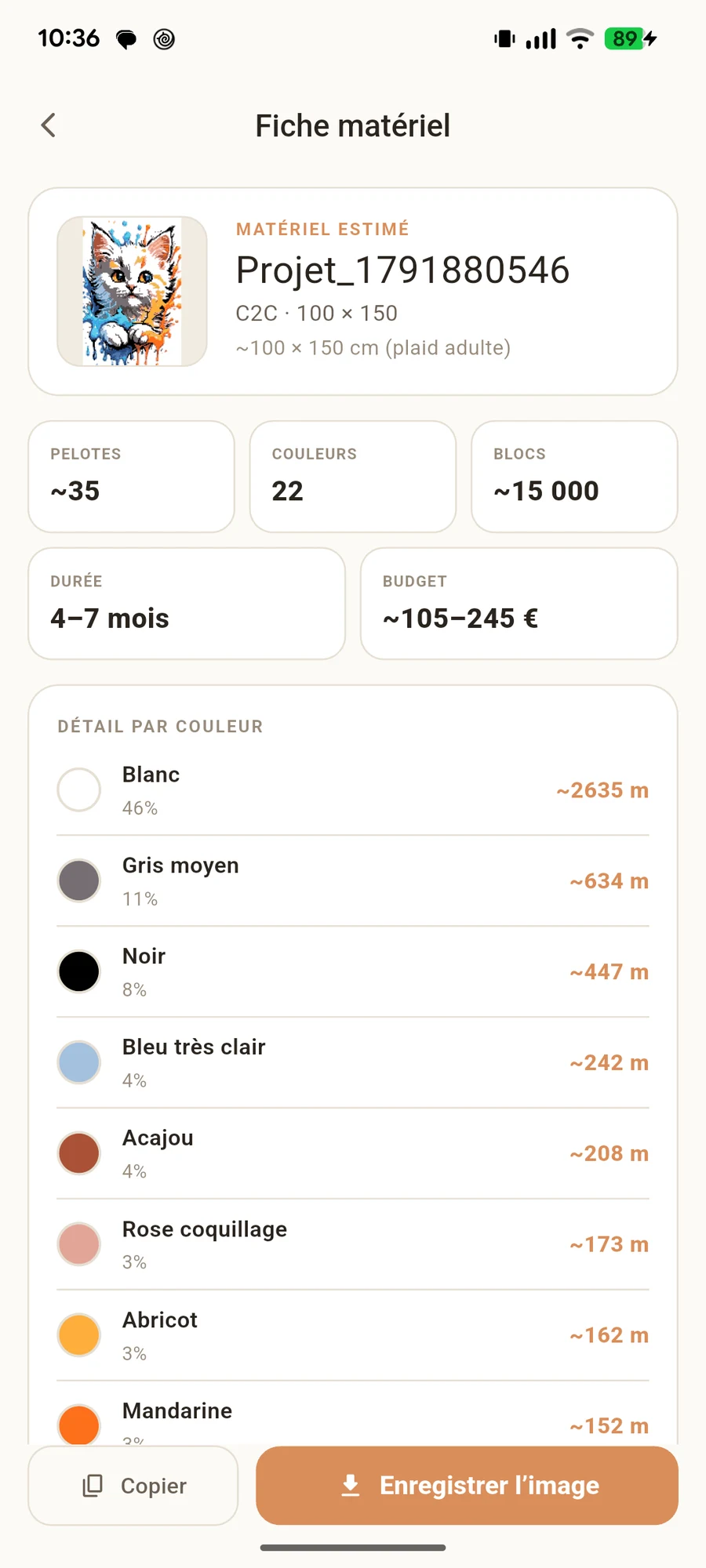
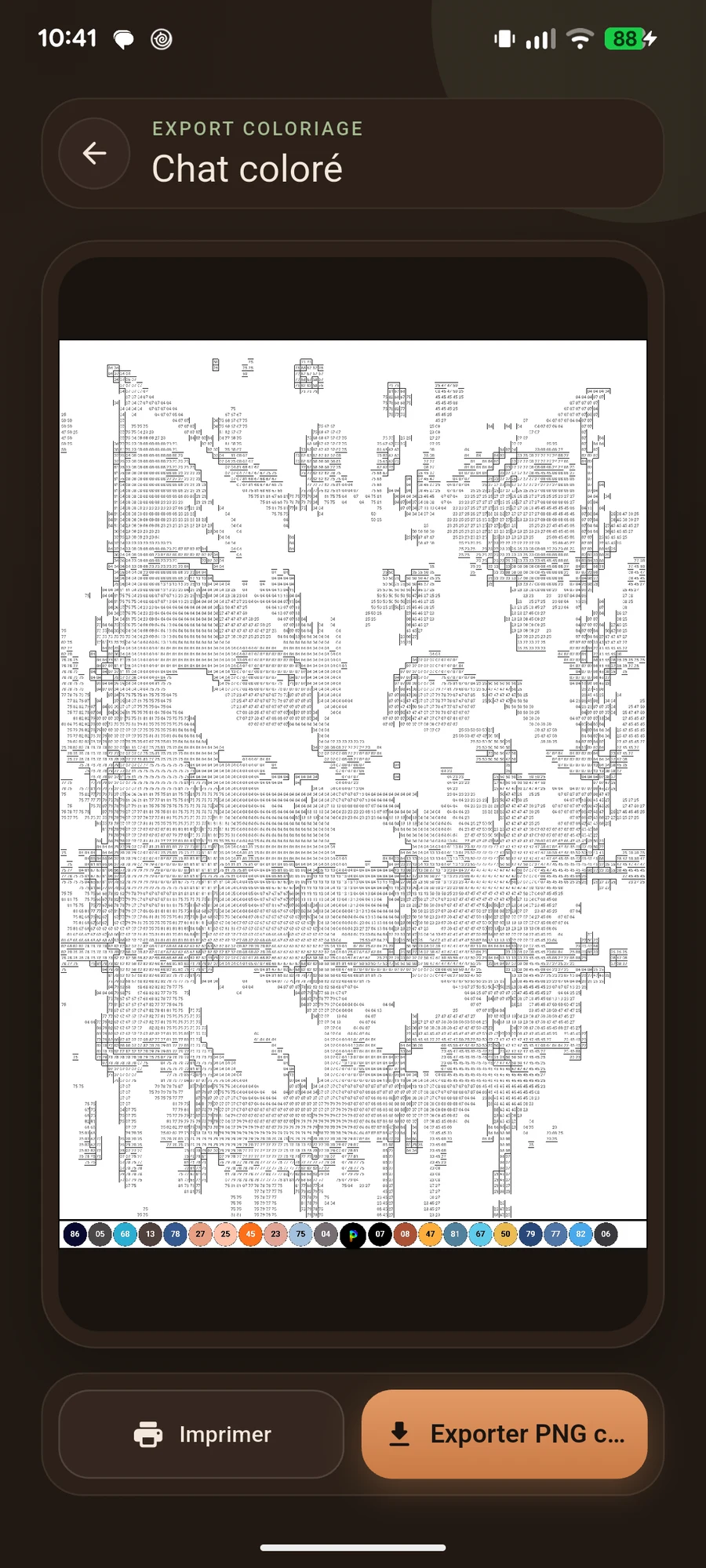
Explore available export formats, including A4 options, and material estimates. Check your pattern size and your material colours before you begin.
Select a screenshot to enlarge it.
Actual screenshots of the app in French.
Select a screenshot to enlarge it.
Actual screenshots of the app in French.
Some features require premium access. Review included features and terms in the app before subscribing. Current pricing is shown there.
Turn images into patterns for C2C crochet, block stitch, cross-stitch, fuse beads and pixel art. The app also helps you keep track of your projects.
The app presented here is available on Android through Google Play. To create a pattern on a computer, use the online pixelation tool.
Yes. Import a photo or drawing, frame your subject and adjust the result. You can then refine the details in the editor.
Some features require premium access. Included features, pricing and terms are shown in the app before purchase.
Yes. Your project keeps your progress. Find it in “My projects”, or use the home screen’s resume card to return to your most recently used project.
The app offers export options, including A4 layouts. Check the options available for your chosen mode before preparing your printout.
Prepare your pattern and enjoy making something at your own pace.
Android app · In-app purchases · Some features require premium access.