Your finished size
Relate pattern dimensions to your fabric and stitch size. Check the actual size before preparing threads.
Create a personal design from your image, then prepare your materials and progress.
Try on the website · Find project tracking in the Android app
Three checks to turn your idea into a practical project.
Relate pattern dimensions to your fabric and stitch size. Check the actual size before preparing threads.
Compare displayed colours with your yarn or threads and preserve important contrasts. Limit very similar shades for a first project.
Keep track of completed areas and mark your progress. Before a break, check that the app and your piece show the same position.
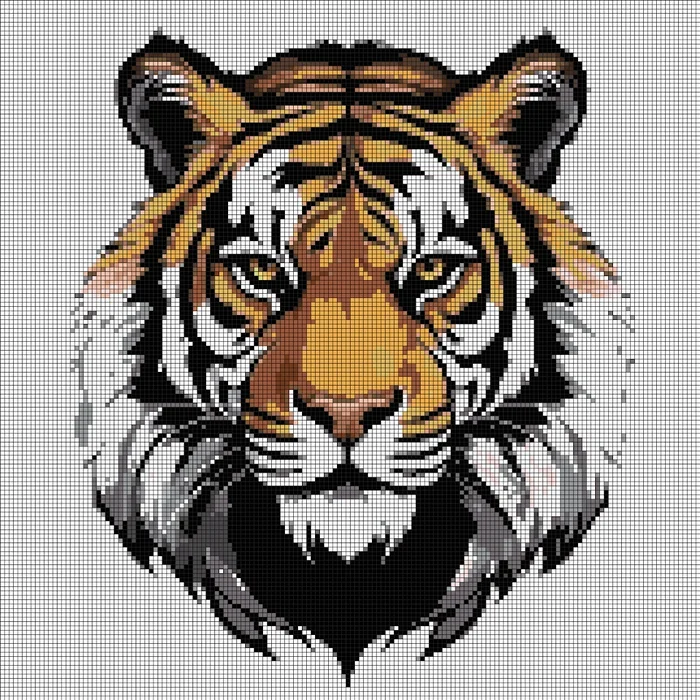
A silhouette, an animal or a flower makes a good first subject. Start with a simple background and a few distinct colours. You can refine the outlines in the editor.
A supplied example showing how to prepare a design. Adapt your pattern to your technique and materials.
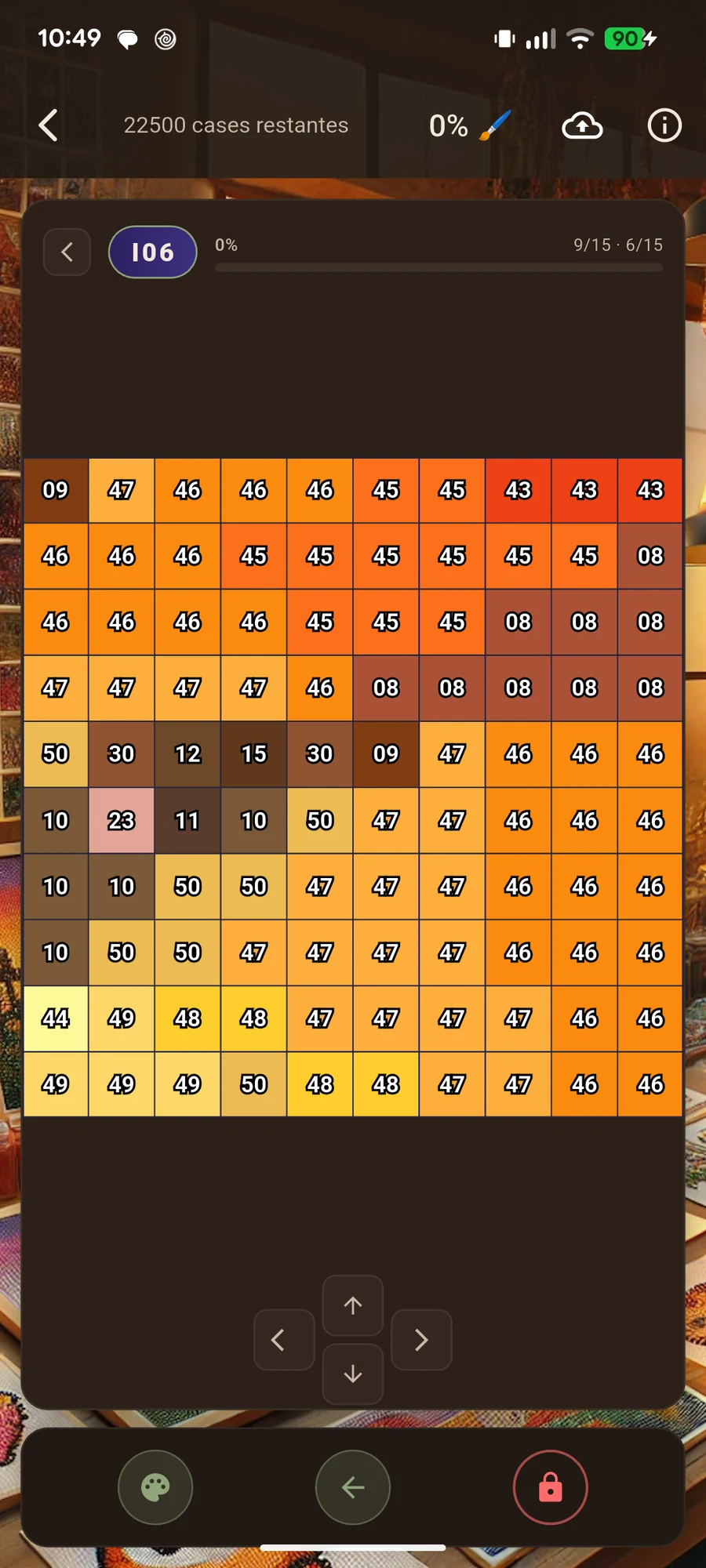
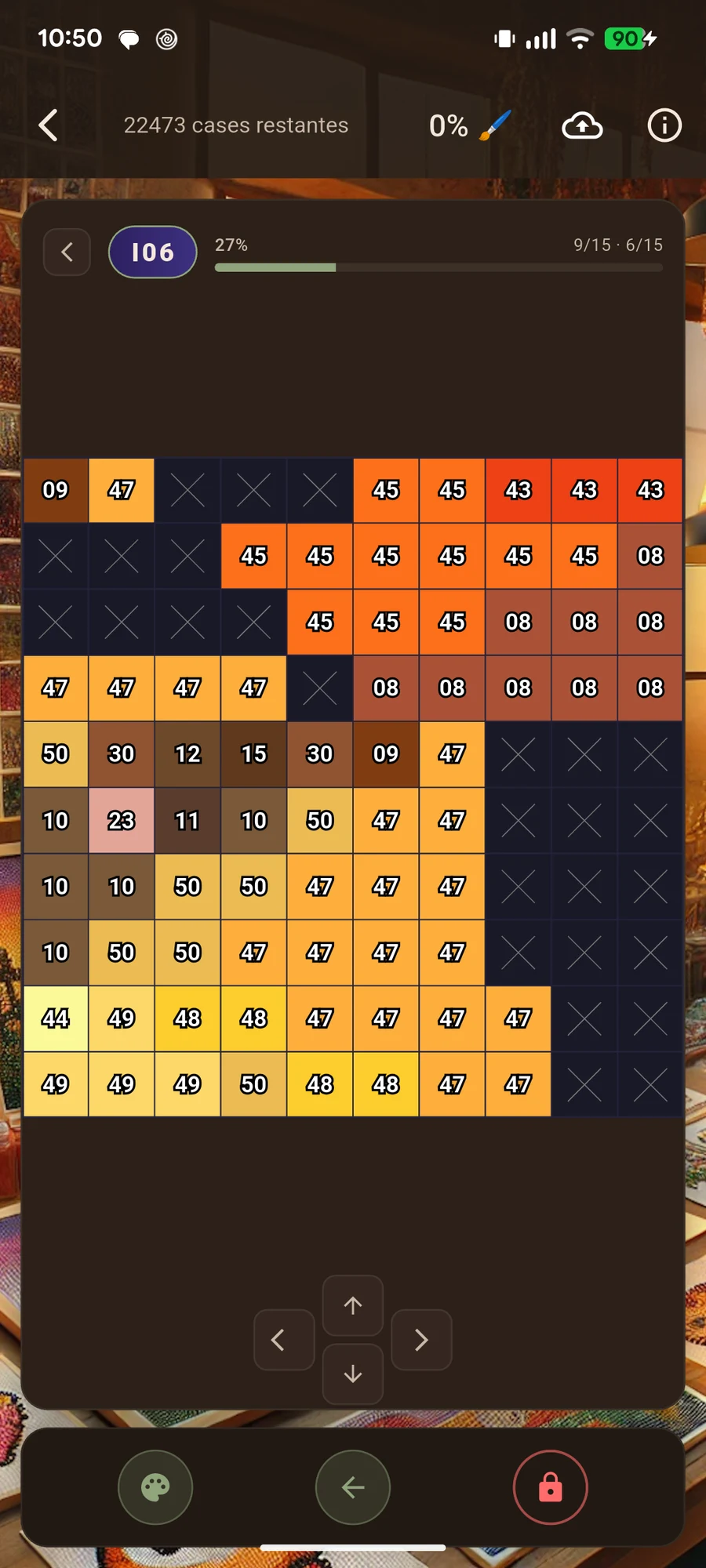
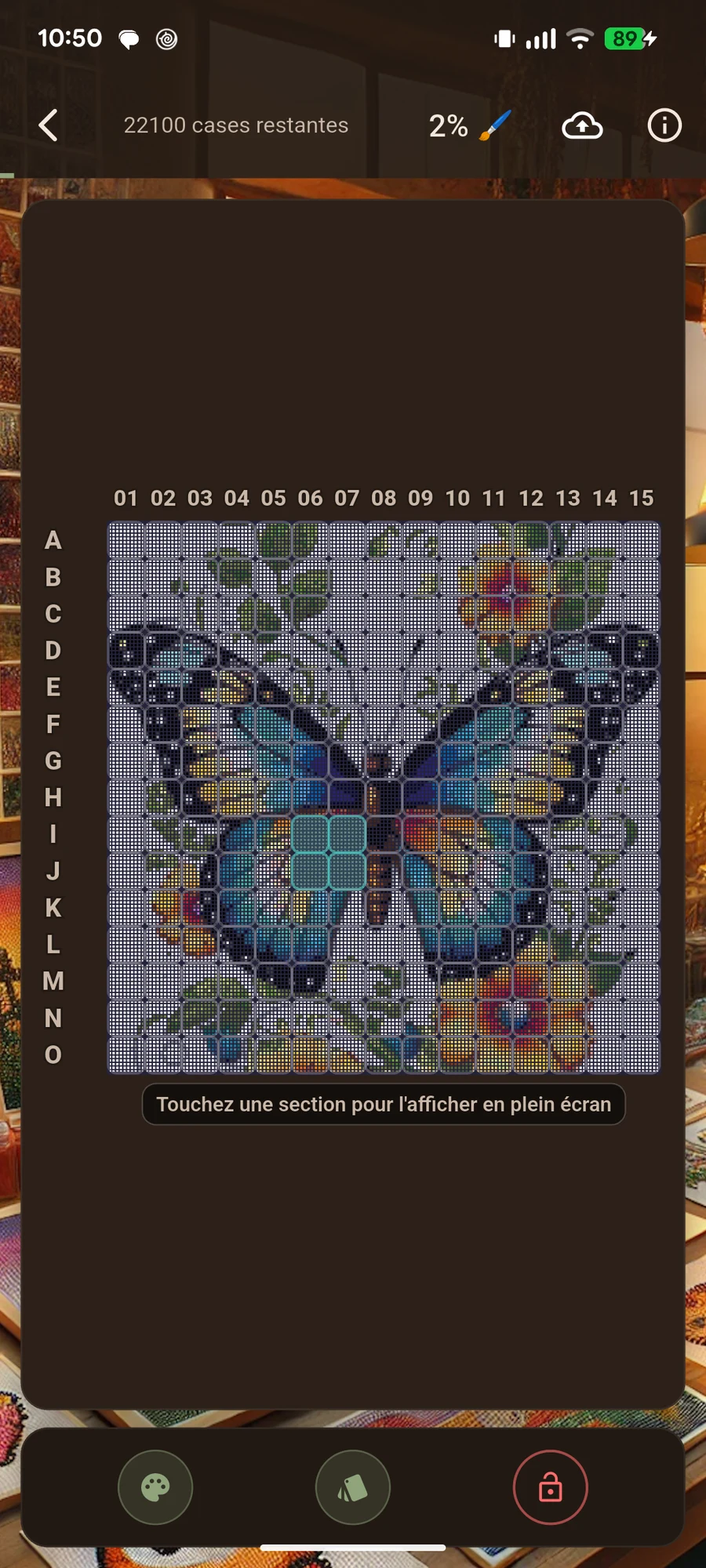
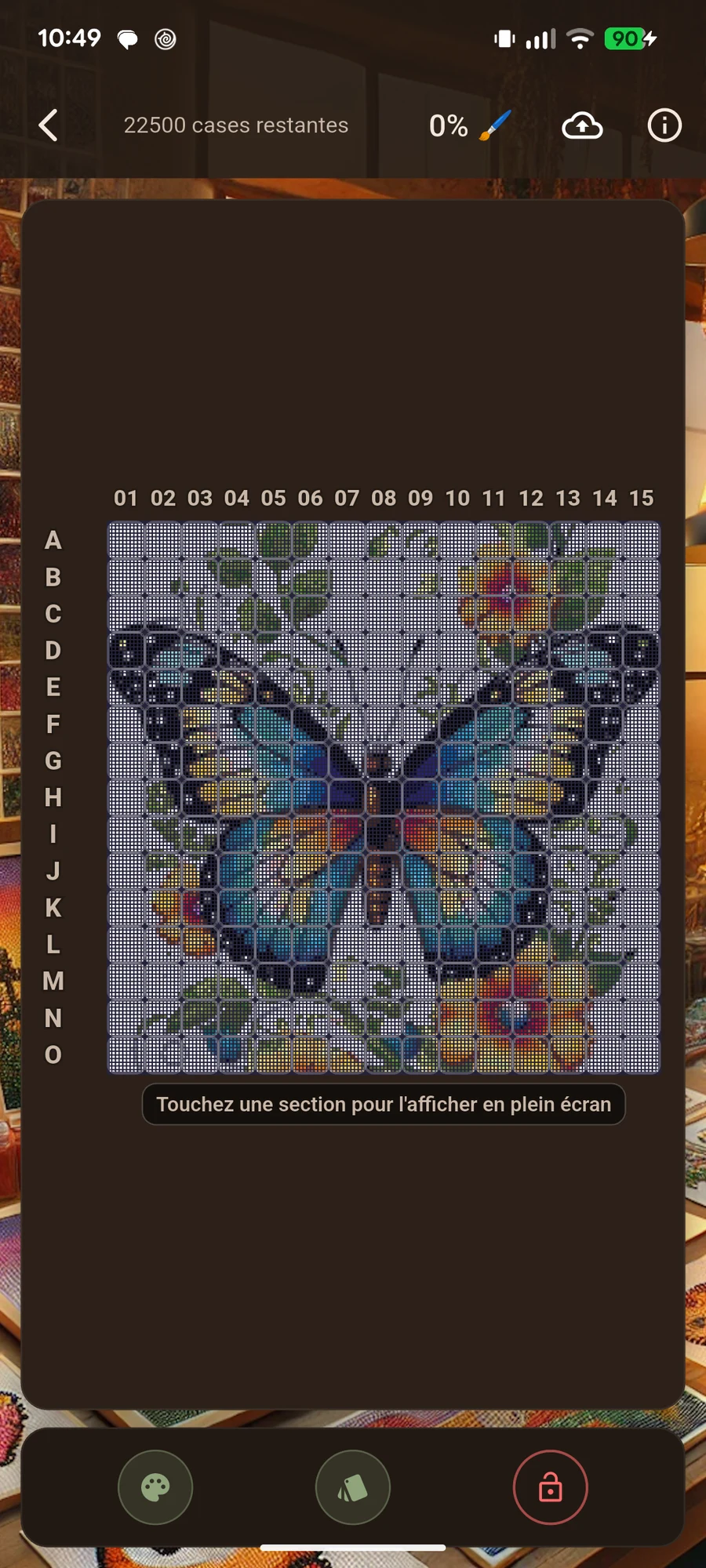
Read the getting-started guideSelect a screenshot to enlarge it.
Actual screenshots of the app in French.
Yes, but small details often need more squares and colours. Compare several results and start with a subject that stands out from its background.
The screen provides a visual reference. Check colours against yarn, threads or beads: lighting, materials and display settings can affect their appearance.
Yes. Mark completed squares in your project and find it in the gallery. Check your position before continuing your piece.
Prepare your pattern and enjoy making something at your own pace.
Android app · In-app purchases · Some features require premium access.