Step / 01
Check the finished design
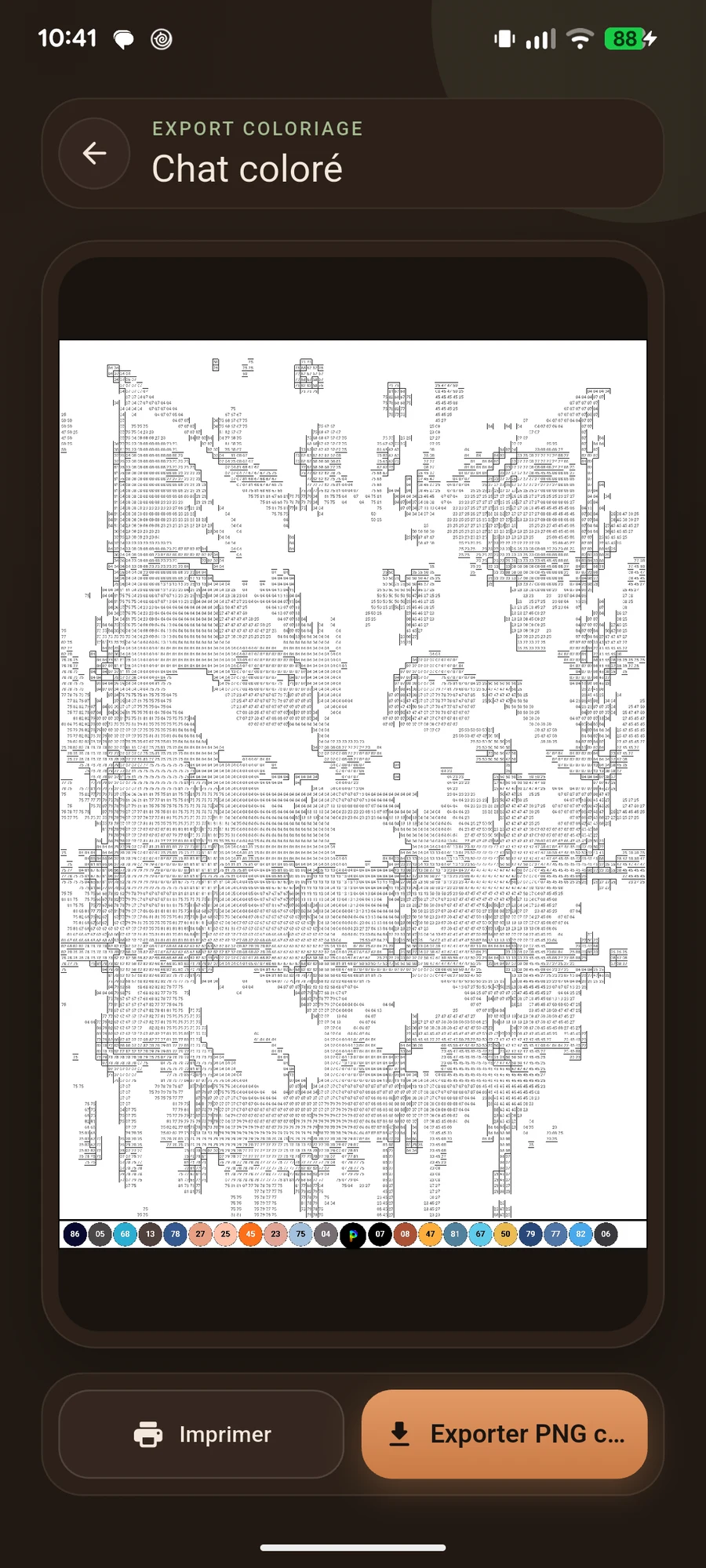
Look at the whole design and zoom in on small details. Check that outlines are readable and isolated squares serve your creation.
Step / 02
Check dimensions
Note the width and height in squares. Estimate the actual piece size using your swatch or boards. Paper size does not define the finished object’s size.
Step / 03
Choose available options
Open export options in your chosen mode. Review the formats offered, including A4 options. Settings depend on the workflow used in the app.
Step / 04
Review before printing
Open the exported file and check readability. Review the scale selected in your print software and start with a test page for a large design.
Before you start
Check your design, materials and the actual project size. The best settings are those that let you enjoy making your idea.