Keep the original pattern
Find designs in “My patterns”. One idea can become several creations. Check the name and dimensions before starting a new project.
Mark completed squares
Progress should match your actual piece. Before a break, check the last squares and your position on the yarn, fabric or board.
Resume from home or the gallery
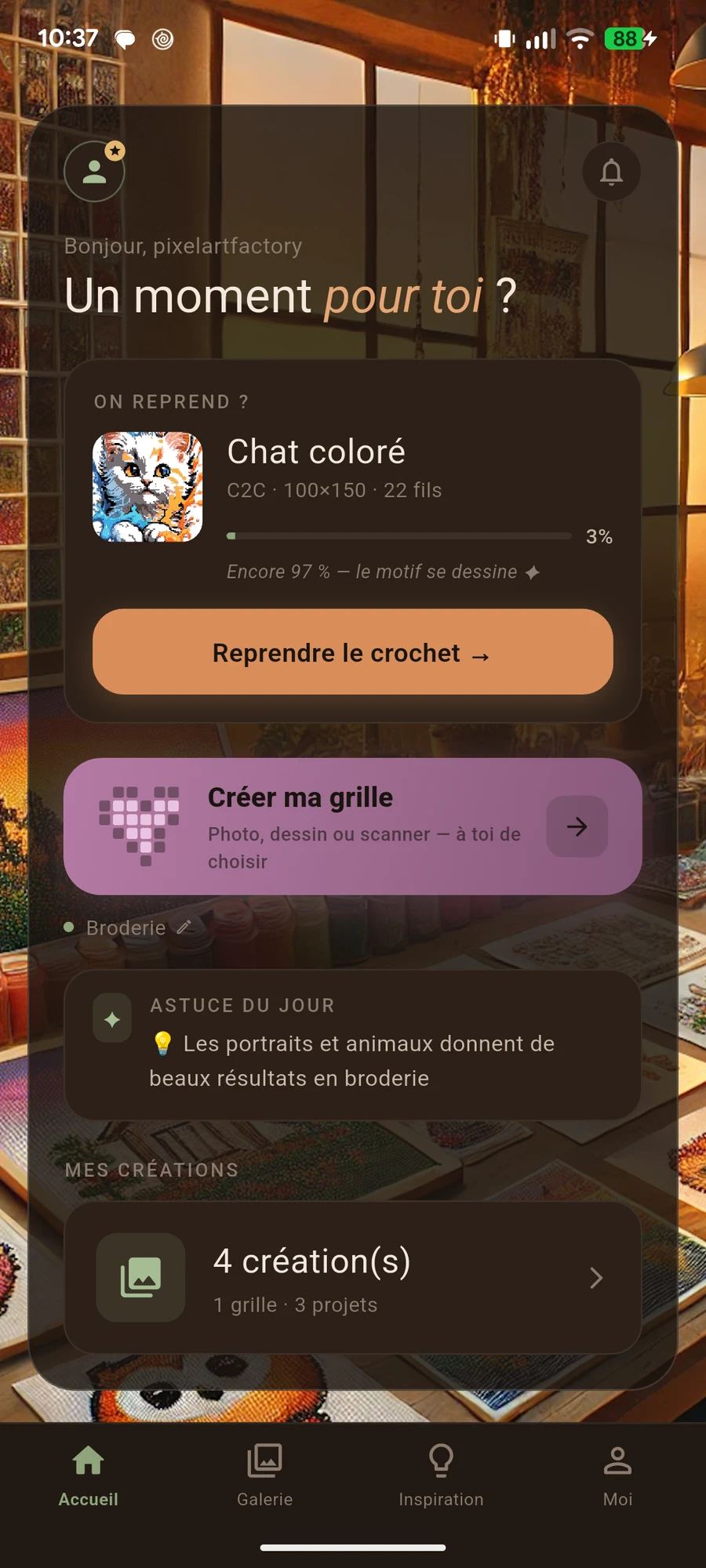
The resume card opens the most recently used project. For another piece, go to “My projects”. Check the design and progress before continuing.
Wait for cloud confirmation
When included with your access, use cloud features to back up or retrieve a project. Wait for upload confirmation. Before replacing a local version, compare the projects and their progress.
Check before deleting
Make sure you have selected the right project and kept what you need. The original pattern and the project in progress are two different items.
Before you start
Check your design, materials and the actual project size. The best settings are those that let you enjoy making your idea.